Search

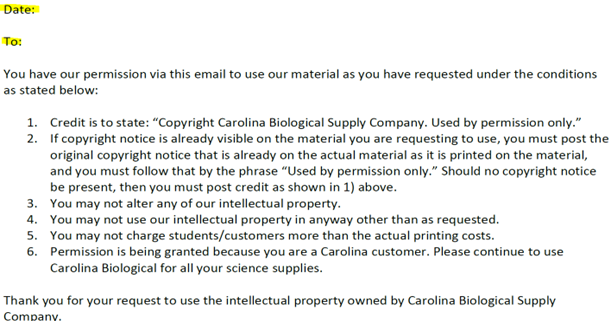
Permission to use Carolina’s IP/Copyrighted SOP

                  Click Download 

propertyabcd

    access from your desktop or download folder, where you saved the letter.

Click on the A (type text)

propertyabcdefgh
copy 2
  • Move cursor into the "Date" field and type in the date (Click the larger A to increase font size if necessary)
  • Then move the cursor into the "To" field and yype in the customer’s name
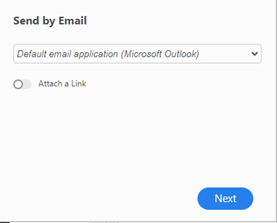
  • Click Email Envelope (To the right)
copy 5
  • Then click
copy6
  • A New Email Message appears with PDF Attached
  • Enter Customer’s Email Address
  • Template form for copyright permission should already be in the subject line
  • Add a Note in Body of Email if Desired
  • Insert Your Email Signature
  • Click Send