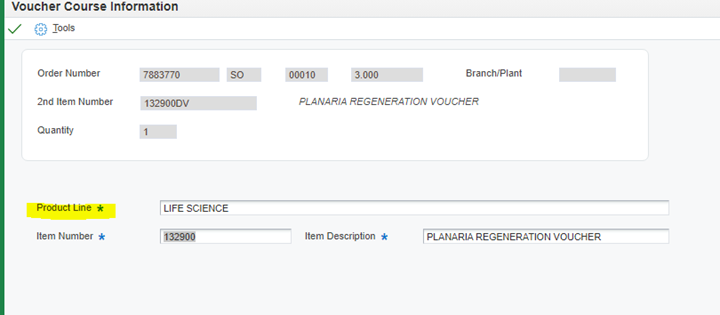
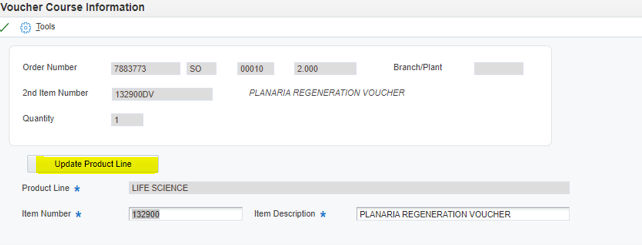
Key DV item, quantity and dates. When you come off the line, a Voucher Course screen pops up.
Only enter the product line information; the Item Number and Item Description will prepopulate. Any additional voucher lines added to the order will prepopulate all 3 fields.
If you click “Update Product Line” and update the product line information on 1 DV line, it will update the Product Line on all DV lines on the order.
Enter Product line information only: (see Spreadsheet CPMI Kit Vouchers – P:\Customer Communications\CS Training\Job Aids\Keying Vouchers CPMI\CPMI Kit Vouchers):