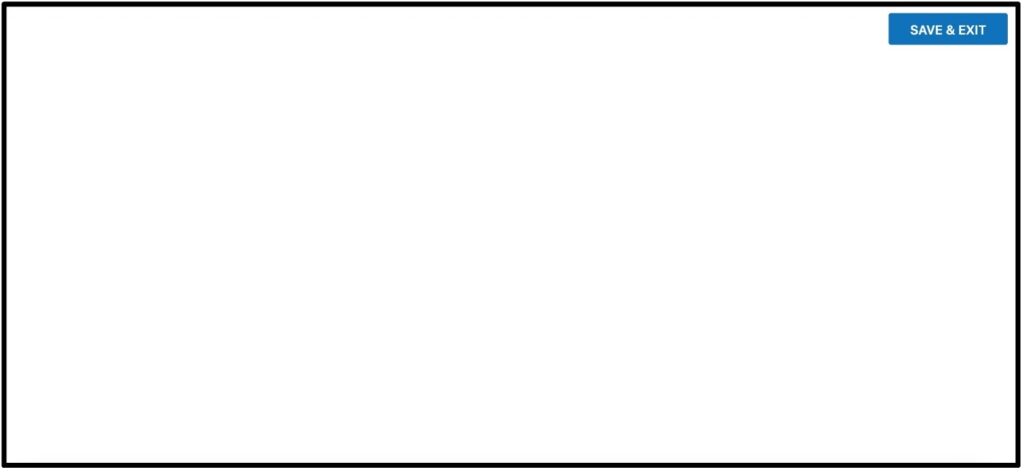
If you click on the link within your course page for your Carolina Online Gateway lab manual and it only loads the save and exit button in the top right corner as shown below, this issue is usually caused by cookie or adblockers in your browser, device or wifi. Try the steps below to restore your access.
- Switch to a different browser. While Gateway is designed to work on all browsers and devices, the specific settings in your browser may be interfering with Gateway’s ability to load.
- Allow third party cookies in your browser settings for carolinascienceonline.com. This can usually be found in the “privacy and security” settings within your browser.
- Disable any Ad-blocker software or make an exception for carolinascienceonline.com. Because Gateway uses cookies to save and track progress, ad-blocker software can mistake this for an ad and not load the content to the page. Settings for ad-blockers will be found in different locations based on which software you are using. Some might be found in the browser security settings. Others might be added as an extension or add on. Ad-blockers may also be a feature of your wifi or antivirus software.